The USB peripheral market has seen a steady rise in HID-compliant devices designed to bypass aggressive auto-lock timers. But when your productivity is measured by a glowing green status dot, which tools actually keep you under the radar?
We have all felt that spike of anxiety when the screen dims just as we step away for a quick coffee refill. I am going to help you navigate the best mouse jigglers 2026 has to offer, comparing plug-and-play hardware against lightweight software to find your perfect stealth setup.
Best Mouse Jigglers 2026: A Quick Comparison Guide
Hardware USB dongles like the Vaydeer or Meatanty remain the 2026 gold standard for undetectability. While software like Mouse Jiggler 2.0 offers instant deployment, physical movers bypass all IT monitoring by mimicking standard HID-compliant peripherals.
The choice between these two formats depends on your specific hardware constraints and security protocols.
Understanding the Hardware vs Software Trade-off
Physical devices offer rock-solid reliability because they never crash or freeze. While software apps are easier to toggle with a click, hardware stays active regardless of OS glitches. It's peace of mind.
Is the risk worth it? A one-time $20 purchase for a physical jiggler easily beats the stress of an IT flag or a security breach. It's a small price for privacy.
Setup is a breeze. Hardware is pure plug-and-play. Software requires installation or framework updates.
How to Stay Undetectable on Corporate Laptops
HID-compliant devices are your best friends. They appear as a standard mouse to your operating system. You won't need special drivers or admin permissions to keep your screen awake.
Don't risk unapproved executables. Your IT department logs every .exe file you run on that laptop. Physical tools leave zero digital footprint in those pesky system logs.
Choose wisely. Avoid apps needing admin rights. Stick to external mechanical movers.
Ultra-Slim USB Dongles for Plug-and-Play Stealth
While choosing the right category is the first step, the ultra-slim dongle represents the most discreet physical option available today.
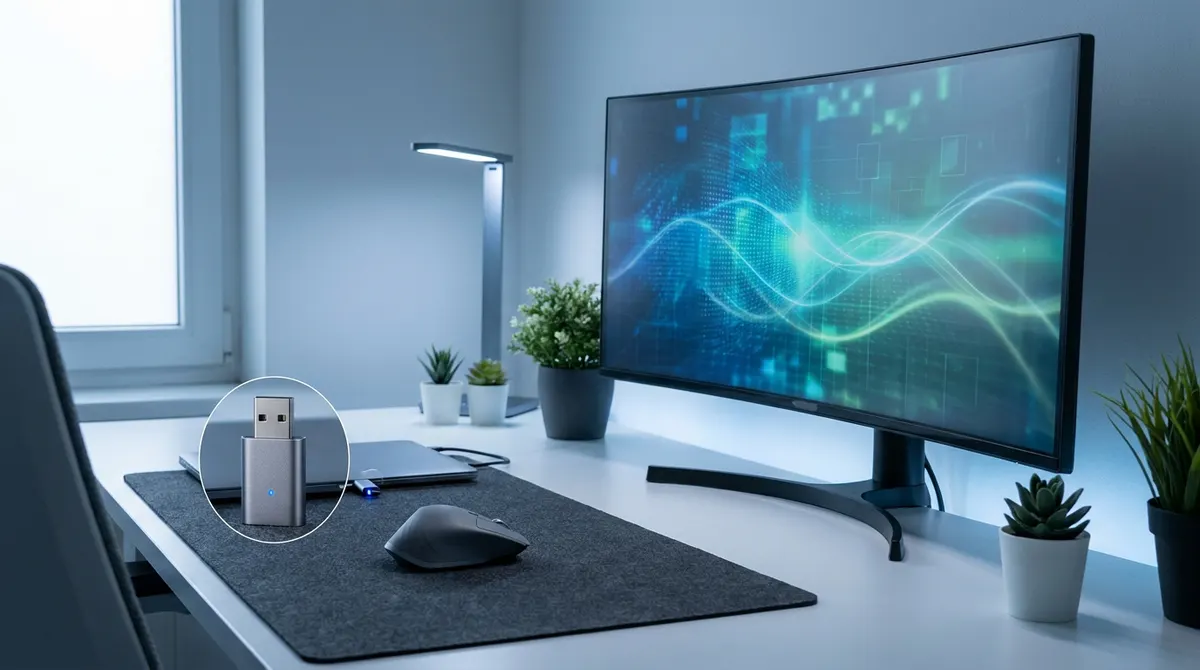
These tiny devices look exactly like a standard wireless mouse receiver. You can plug them into any USB port and they'll go completely unnoticed. Since they have no moving parts, they stay silent. It's the perfect setup for open-office layouts where coworkers might be nosy.
You don't need to worry about your hardware brand either. These dongles work independently of your actual mouse by simulating movement directly through the port. Your cursor stays active 24/7 without any software lag. It's a simple, effective workaround to stay green.
Reliability is where these hardware options really shine. They handle months of daily use without overheating or crashing. They're built for constant connectivity, which is why most remote workers prefer them for VPN stability. You just plug it in and forget it.
Dongles offer the best stealth. No one sees them, and your status stays active. It's that easy.
Mechanical Mouse Movers for Zero Digital Footprint
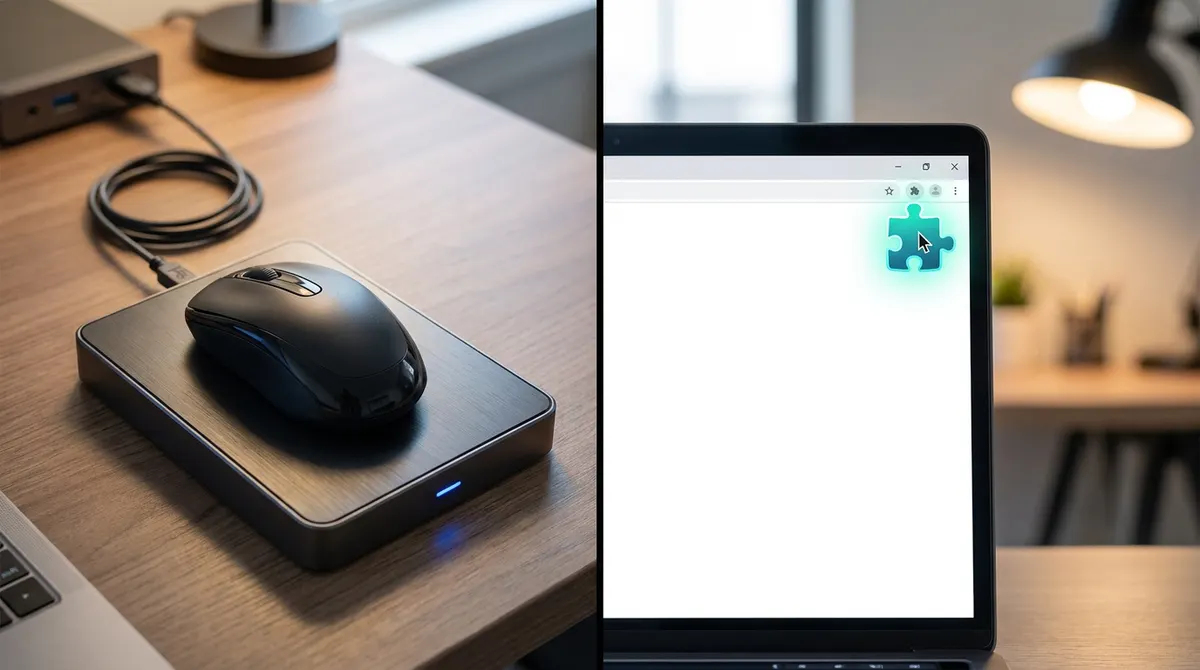
If you want to avoid plugging anything into your machine at all, mechanical movers offer a completely external alternative. You place your actual mouse on a rotating platform. The optical sensor picks up the physical movement. No data ever travels through the USB cable. This is the safest bet for high-security jobs.
Troubleshooting noise and durability is straightforward. Some cheaper models have a slight hum. Look for brushless motors for silent operation. High-quality movers last for years of remote work.
Managing multi-monitor setups is easy here. Physical movers don't care about your screen layout. They simply keep the cursor drifting. This prevents the screen from locking during long file transfers.
Size considerations matter. These are larger than dongles. They require actual desk space.
Mouse Jiggler Software for Instant Status Control
Beyond physical hardware, software solutions provide a level of control and speed that physical devices can't match.
Free tools like Mouse Jiggler offer basic jittering to keep you active. Paid versions often simulate realistic human patterns. You can set specific movement intervals easily. This makes your activity look natural to most basic monitoring tools.
Security is a major factor in corporate setups. Many companies block third-party software downloads entirely. Always check your IT policy before installing anything. Using these on a personal PC is perfectly safe, though.
Software is incredibly easy to use with instant toggles. You can start or stop the movement with a quick hotkey. There is no extra hardware to carry. It's the most portable solution for digital nomads today.
Most apps work on Windows and Mac. Just check for M1 or M2 chip support before you download.
Browser Extensions for Lightweight Status Management
For those restricted from installing software, browser-based extensions offer a clever workaround within your web environment.
How do these extensions work? They prevent your browser from idling by simulating activity. This keeps web-based apps like Teams or Slack active. They don't move your system cursor. It's a very specific type of activity simulation.
Why are they great for remote workers? Extensions are often easier to hide than standalone apps. They run inside Chrome or Edge. IT might overlook them in a sea of plugins. Plus, they are usually free.
There are limitations to consider. They won't stop the Windows lock screen from appearing. They only keep the browser session alive. You're still vulnerable if your whole system times out.
What's the best use case? Use them for keeping web dashboards active. They are very lightweight. It's the perfect best mouse jiggler alternative when you can't touch system settings.
Excel VBA Macros for the DIY Professional
If you have zero installation rights, you can leverage built-in tools like Excel to create your own solution.
The mechanics of a VBA script are simple. You write a small loop in Excel. It presses a harmless key like "Scroll Lock" every minute. This keeps the system awake. No external files are ever downloaded.
Why this works for IT restrictions is obvious. Excel is a standard work tool. Macros are common in many business roles. It looks like you're just working on a spreadsheet. It's a very stealthy DIY method.
Check your ethical considerations and setup first. Ensure you aren't violating specific security policies. Setting it up takes less than five minutes.
Here's a reliability warning. If Excel crashes, the jiggler stops. It requires the app to stay open.
Whether you choose a stealthy hardware dongle or a flexible software tool, the 2026 best mouse jiggler solutions keep your status green and your privacy intact. Grab your preferred device today to reclaim your freedom and ensure your screen never locks during those crucial coffee breaks.
See also: Best caffeine app alternatives for your PC and Mac · The best chrome extensions for remote workers in 2025
FAQ
Can my company detect a hardware mouse jiggler in 2026?
It’s the million-dollar question, isn’t it? If you're using a hardware mouse jiggler like a USB dongle, it usually shows up as a standard "HID-compliant mouse" in your Device Manager. To your OS, it looks just like the mouse you’re holding. However, IT departments are getting smarter; they can sometimes see the digital footprint or unique ID of the device if they’re really digging into the logs.
For the ultimate stealth mode, mechanical "turntable" movers are your best bet. Since they don't plug into the computer at all, your physical mouse just sits on top of a rotating platform, there is absolutely zero digital trail for your company to find. It’s 100% external.
Are software-based mouse jigglers safe to use on work laptops?
Here’s the deal: software is incredibly convenient because it’s often free and starts with one click, but it's much easier for IT to spot. Most corporate security tools scan for unapproved .exe files or background processes. If "Mouse Jiggler 2.0" is running in your task manager, a quick audit will flag it immediately.
If you're on a personal machine, you’re golden. But for a corporate laptop, I’d be careful. If you must go the software route, look into browser-extension options or web-based tools that don't require a full installation, as these are often overlooked by standard monitoring software.
Which is better for 2026: hardware or software jigglers?
It really comes down to your specific setup and how much heat you’re trying to avoid. The best mouse jigglers 2026 comparison shows that hardware dongles are the gold standard for reliability because they never crash and don't require admin rights. They’re a simple one-time purchase, usually around $10 to $20, and they just work.
Software is great for instant control and portability, especially if you’re a digital nomad who doesn't want extra gear. However, hardware wins for long-term peace of mind and bypassing strict IT restrictions. If you want to stay active on Teams without the stress, a physical device is usually worth the small investment.
Is there a free way to keep my status active without buying hardware?
You bet there is. If you're handy with a spreadsheet, you can actually use an Excel VBA macro to keep your system awake. By writing a tiny script that toggles a key like "Scroll Lock" every minute, you simulate activity using a program you already use for work every day. It's incredibly stealthy because it looks like you’re just deep in a data project.
Another solid freebie is using a browser-based jiggler. These tools use web APIs to prevent your screen from locking or your browser tabs from idling. They won't move your actual system cursor, but they’ll keep your Slack or Teams status green while you’re grabbing that much-needed coffee.
Will a mouse jiggler stop my screen from locking?
Yes, that’s exactly what they’re built for! Whether it’s a hardware mouse jiggler or a software app, the goal is to trick your computer into thinking you’re still there. By providing constant or intermittent movement, these tools prevent the inactivity timer from starting, which keeps your screen bright and your status set to "Active."
Just keep in mind that while they keep the lights on, they don't always simulate typing. If your company uses ultra-aggressive monitoring that tracks keystrokes or active window changes, a simple jiggler might not be enough. But for 90% of us just trying to avoid the "Away" dot, they’re a total lifesaver.