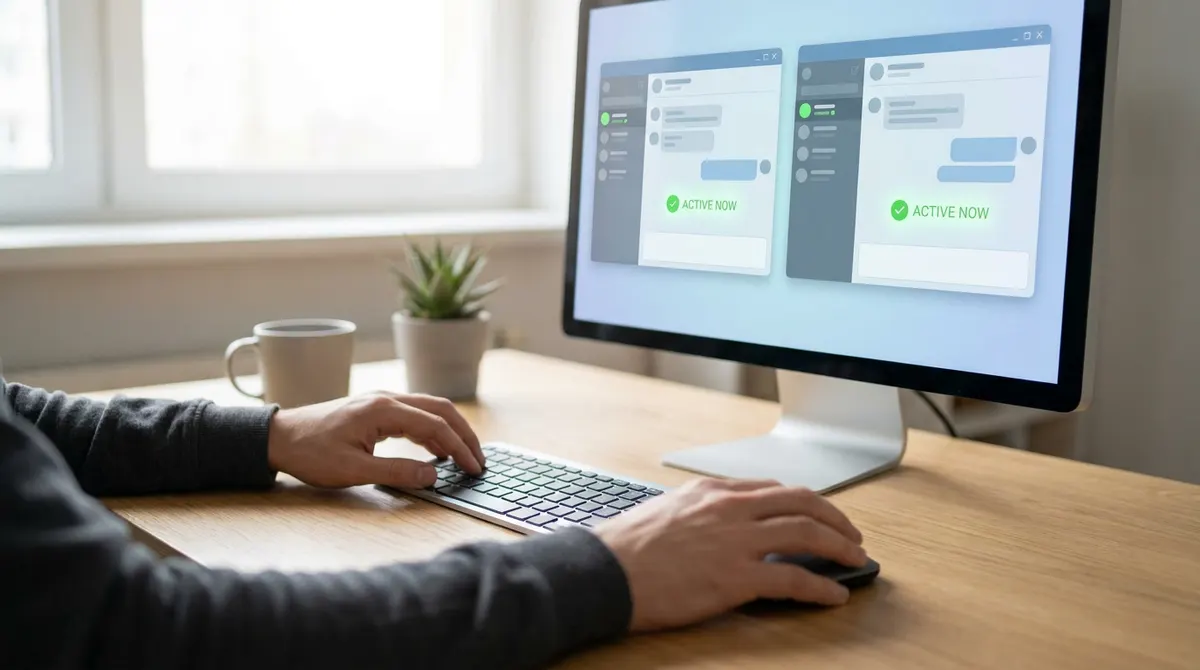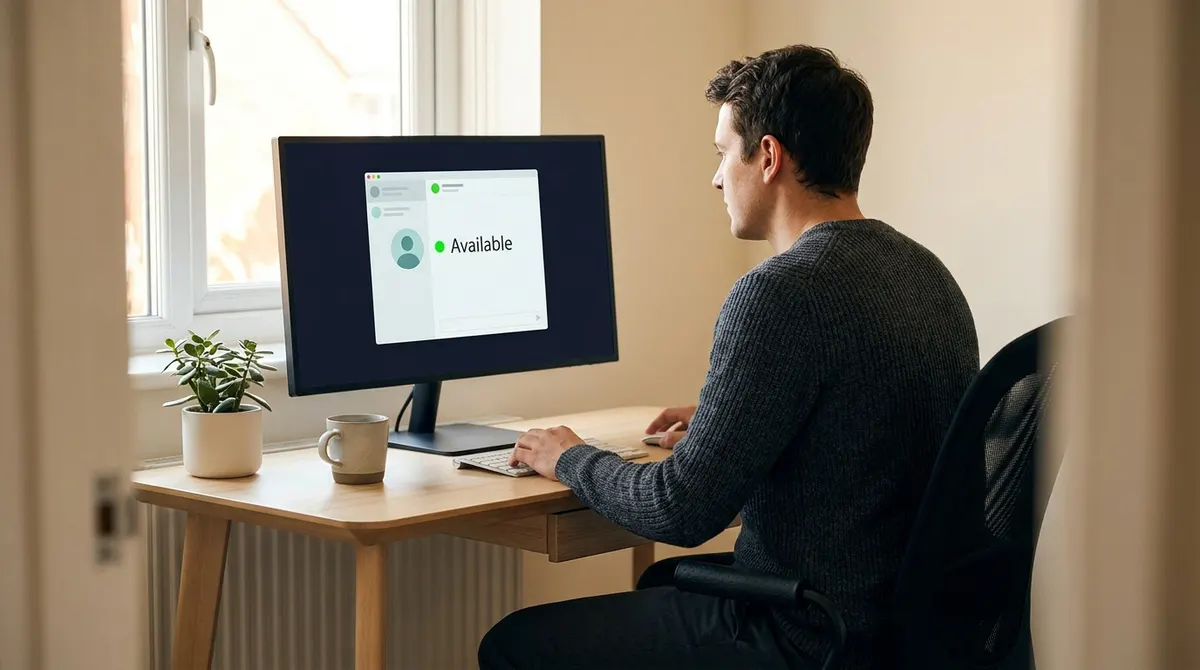
Nearly 64% of remote workers admit to keeping their status green even when they aren't actively working just to prove they're productive. This constant pressure to stay visible creates a cycle of anxiety where that tiny dot replaces actual results, turning your chat app into a digital leash. We often spend more energy managing appearances than actually getting our deep work done.
This article breaks down remote work online status etiquette so you can manage your presence honestly and reclaim your focus. I'll help you set boundaries that reflect your real availability without the guilt of going yellow.
Mastering Remote Work Online Status Etiquette for Modern Teams
Digital presence relies on clear availability windows, status context, and asynchronous norms rather than constant monitoring. Effective teams replace the "always-on" anxiety with explicit response time agreements and automated focus blocks to protect deep work. These signals act as digital body language.
Why Your Status Dot Matters More Than You Think
Your status icon is your digital body language. It tells colleagues if you're approachable or busy. This tiny dot effectively replaces the physical office door in a remote setting.
Visibility directly impacts how your team coordinates. A green light invites immediate questions. Conversely, a red light signals a need for space. You must manage these expectations to avoid constant interruptions. Use these signals to guide your peers through your daily workflow.
Mismanaged indicators lead to frustration and missed deadlines. People wait for answers that never come. Clear signals build a smoother collaborative environment for everyone involved in the project.
Defining Clear Working Hours in a Digital Space
Establish fixed windows for your availability. Burnout happens when work bleeds into personal time. You need a hard stop to stay productive and healthy while working from home.
Input these hours into your collaboration tools. Slack and Teams allow for automatic status updates. This prevents late-night pings from disturbing your peace. Your colleagues will know exactly when you're off the clock. It sets a professional standard for the entire group.
Consistency is the main factor here. Stick to your schedule every day. This predictability helps others plan their requests around your active hours without second-guessing your presence.
Sharing Your Schedule to Build Team Trust
Transparency about your routine builds immense trust. Share when you step away for lunch or school runs. It humanizes your remote presence and reduces suspicion among your coworkers.
Integrate your personal schedule with shared calendars. Block out time for errands or deep focus. This visibility allows others to see why you're unavailable. It removes the mystery behind the away status. Trust grows when everyone understands the daily rhythm of their peers.
Planned absences should never be a secret. Inform the team early about your time off. This simple habit keeps projects moving without unnecessary friction or communication breakdowns.
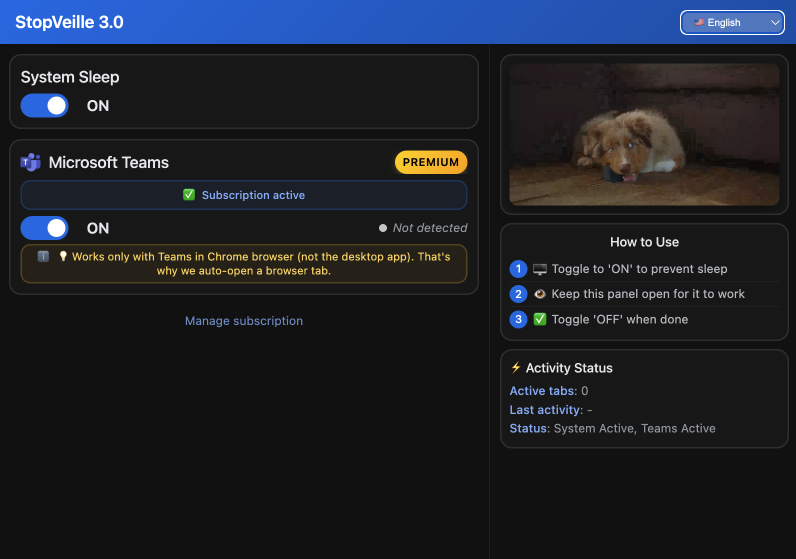
The Psychological Trap of the Green Status Etiquette
While visibility builds trust, the pressure to stay green often creates a hidden mental burden for remote workers.
Dealing With the Anxiety of Being Away
Many workers feel forced to keep their status green. This pressure stems from a fear of looking lazy. It creates a constant state of low-level stress.
You must overcome the fear of taking breaks. Stepping away is vital for your brain. A yellow status does not mean you are failing. It means you are managing your energy levels. Real productivity requires moments of complete disconnection from the screen.
Reframe your mindset regarding the status dot. It is a tool, not a leash. Focus on your tasks rather than the color of a small icon.
Moving From Presence Monitoring to Results
Management should focus on output, not activity logs. Tracking every minute of active status is counterproductive. It encourages performative work instead of real value.
Shifting to results-based metrics improves employee retention. People feel respected and empowered. They work harder when they are not being watched like children. This autonomy leads to better quality work. Trusting your team to deliver results is the best way to lead.
Define clear goals for each week. If the work gets done, the status dot is irrelevant. This approach fosters a healthier and more mature professional culture.
Avoiding the Always-On Culture in Remote Setups
Constant connectivity ruins mental health. You cannot be available twenty-four hours a day. This habit leads to exhaustion and poor decision-making over time.
Disconnect fully once your workday ends. Close your laptop and silence notifications. You do not need to feel guilty for having a life. Professionalism includes knowing when to stop. Setting these boundaries protects your long-term ability to contribute effectively.
Lead by example in your team. Show others that it is okay to be offline. This collective shift protects the well-being of the entire organization.
Smart Presence Management Remote Strategies for Focus
Escaping the green dot trap requires a tactical approach to how you signal your actual availability.Distinguishing Between Active and Available States
Being logged in is not the same as being available. You might be online but deep in a task. This distinction is vital for your workflow.
Use status settings to protect your deep work. Set yourself to "Do Not Disturb" during intense projects. You remain reachable for emergencies but block out general noise. This allows you to finish complex duties faster. Managing your state ensures you stay productive.
Communicate this logic to your colleagues. Explain that "Active" means you are working, but "Available" means you can chat. This clarity prevents unwanted interruptions.
Using Context-Rich Updates for Better Clarity
Simple presets like "Away" are too vague. Add specific details to your status message. Tell people when you will return to your desk.
Context helps others manage their own time. If you are in a meeting until 3 PM, say so. This prevents them from waiting for a quick reply. It shows respect for their schedule as well. Small details make a huge difference in team efficiency.
Use emojis to add visual cues. A coffee cup or a laptop icon provides instant context. It makes your status more readable at a glance.
Handling Global Time Zones With Professional Grace
Working across time zones is a unique challenge. You must be mindful of when others are sleeping. Respect their local working hours at all times.
Use scheduling tools for your messages. Do not ping someone at midnight their time. Check their local clock before hitting send. This shows professional maturity and empathy. It keeps the global team synchronized without causing unnecessary stress for anyone involved.
Set your own time zone clearly in your profile. This helps others know when to expect a response. Clear communication prevents geographic friction in remote work.
Setting Online Status Remote Work Boundaries That Stick
Beyond individual tactics, long-term success depends on firm boundaries that the whole team respects.
Drawing the Line Between Hard and Soft Breaks
Not all breaks are the same. A quick stretch is a soft break. A lunch hour is a hard boundary that requires total disconnection.
Use "Do Not Disturb" for hard breaks. Switch to "Away" for shorter pauses. This tells the team how long you will be gone. It manages their expectations for a reply. Choosing the right signal keeps the workflow steady for everyone.
Be consistent with these signals. Your team will learn your patterns over time. This predictability reduces the need for constant check-ins or follow-up messages.
Creating Team Agreements on Response Times
Formal expectations reduce anxiety for everyone. Agree on how fast a DM should be answered. Is it ten minutes or two hours?
These agreements stop people from monitoring statuses. You no longer need to watch for the green dot. You know a reply will come within the agreed timeframe. This freedom allows for deeper focus on actual work. It creates a much calmer environment.
Review these rules regularly with your team. Adjust them as the project needs change. Flexibility is just as important as the initial agreement itself.
Protecting Deep Work Hours Through Automation
Automation is your best friend for focus. Set up your tools to reflect your calendar. If you have a focus block, let the software signal it.
Automated responses can explain your absence. They provide immediate feedback to colleagues. This prevents them from feeling ignored while you concentrate. You can stay in the zone without worrying about your digital presence. Modern tools make this process very simple to manage.
Link your Slack status to your Google Calendar. It updates automatically when meetings start. This saves you time and keeps your remote work online status etiquette accurate all day.
Practical Scripts and Tools for Visibility
Once boundaries are set, you need the right words and tools to maintain them without causing friction.
Communicating Status Changes to Managers
Talking to your boss about status can be tricky. Use clear and professional scripts. Focus on how these settings help your productivity.
Explain that focus blocks lead to better results. If they push back, offer a trial period. Show them the data on your completed tasks. Most managers value high-quality output over constant green dots. Be confident in your need for concentrated work time.
Keep the conversation open and honest. Ask for their feedback on your availability. Finding a middle ground ensures both parties feel comfortable with the arrangement.
Leveraging Calendar Blocking and Notification Settings
Calendar blocking is a powerful visibility tool. It shows others exactly when you are busy. This reduces the number of conflicting meeting invites you receive.
Tune your notification settings to prevent distractions. Silence non-essential alerts during focus time. This allows you to stay present in your current task. Aligning your status with your actual work creates a seamless experience. You become more efficient and less stressed.
Review your settings every month. Remove what does not work. Keep your digital environment clean and optimized for your specific professional needs and goals.
Mastering remote work online status etiquette is about replacing "always-on" anxiety with honest, context-rich signals that protect your deep work. By setting clear boundaries and using automated focus blocks, you build team trust while boosting productivity. Start syncing your calendar today to ensure your digital presence finally reflects your real-world availability.
See also: How to keep Slack and Teams active at the same time · The best chrome extensions for remote workers in 2025
FAQ
How can I handle my online status without feeling like I'm being watched?
It starts with shifting the focus from "showing activity" to "delivering results." You should manage your remote work online status etiquette by being honest about your availability, if you're deep in a project, set your status to "Do Not Disturb" or "Focusing." When managers prioritize output over a constant green dot, it removes the anxiety of the "always-on" culture and lets you actually get work done.
What’s the best way to set boundaries for my status during the workday?
Be proactive and transparent with your team. Use context-rich updates like "Available 9am-5pm | Lunch 1pm-2pm" or "In a meeting until 3pm" so nobody is left guessing. Setting clear working hours in your tools prevents late-night pings and helps you maintain a healthy online status remote work balance without feeling guilty for logging off.
Is it okay to step away from my desk if my status turns yellow?
Absolutely. You aren't a robot, and your brain needs breaks to stay productive. Green status etiquette shouldn't mean you're tethered to your chair; a yellow status just signals you're away from your keyboard, not that you're slacking. Real presence management remote strategies involve taking hard breaks for lunch or exercise to avoid burnout and keep your performance high.
How do I manage communication when my team is in different time zones?
Professional grace is key here. Always check a colleague's local time before hitting send, and use scheduling tools to ensure your messages arrive during their active hours. By clearly setting your own time zone in your profile, you help others respect your boundaries, ensuring remote work online status etiquette remains consistent across the entire global team.
Can I use automation to keep my status accurate?
Yes, and you definitely should. You can link your status to your calendar so it automatically switches to "Busy" during meetings. This type of presence management remote tactic ensures your digital body language is always accurate without you having to manually click a button every time your schedule changes.